Skip to content
ajan.io

Don’t just talk. Work together.

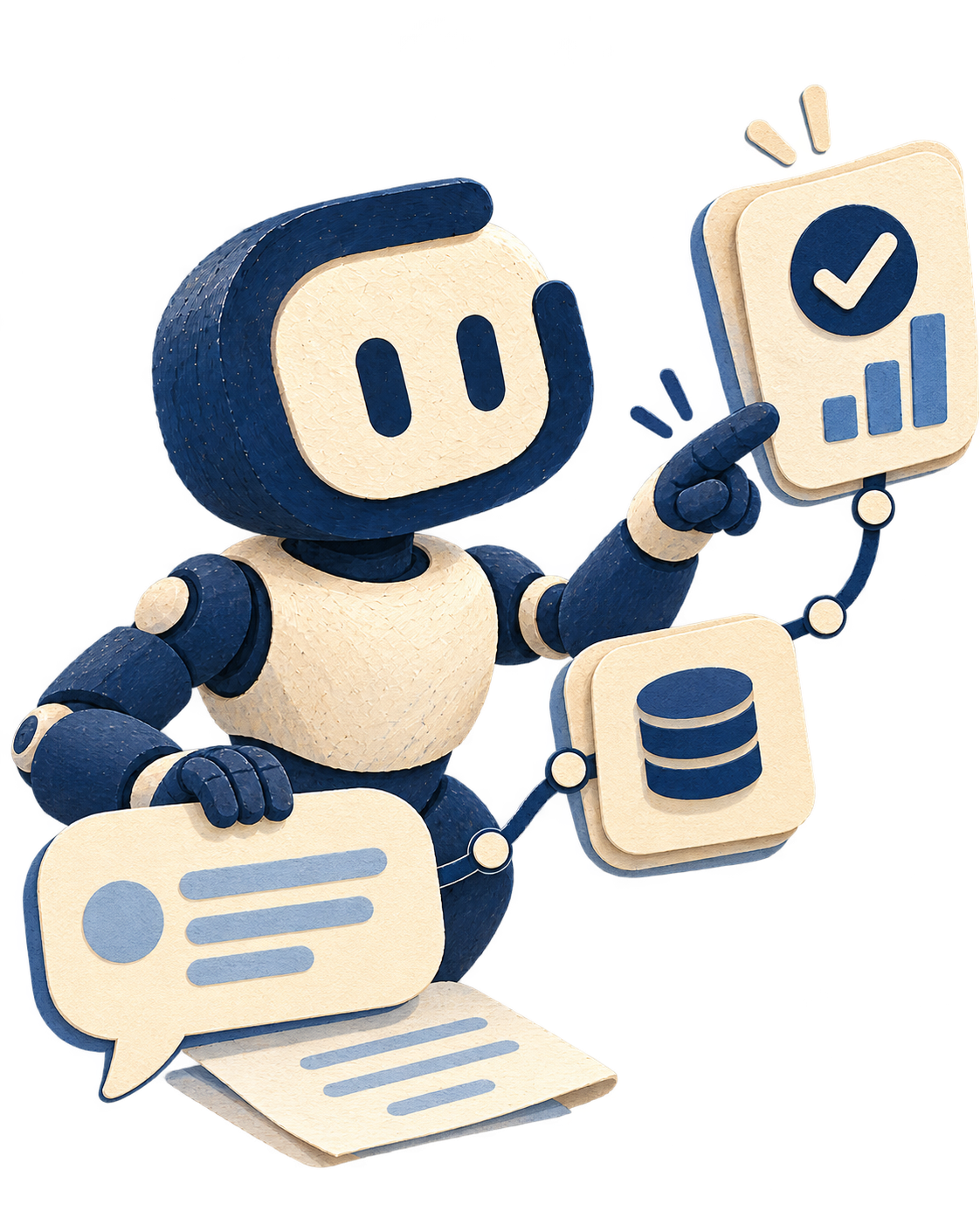
ajan.io brings your company knowledge, files, AI models, the systems you use, and your business processes into one workspace.

Ask, analyze, create content, act in your systems, and finish work from inside the conversation.

Far more than a chat screen

Operations Assistant

order-risk-list.xlsxWorksheet · 128 KB

Files

Bring documents into the conversation

Summarize delayed orders, flag high-risk customers, and prepare a notification draft. Use the attached order list too.

Deep thinking00:01

First I segment SLA misses by time window. Then I match risk scores to the account policy and filter high-risk accounts. Finally I set the notification order according to procedure.

Deep thinking

More reasoning when the work is hard

Over the last 7 days, 14 orders missed SLA. Three of them belong to high-risk accounts. Per company procedure, notify the customer first, then update the logistics record.

Knowledge sources00:02

  1. 1SLA Procedure §4.2
  2. 2Customer Risk Policy
  3. 3order-risk-list.xlsx

Knowledge sources

See the company knowledge behind the answer

Tool used00:03

ERP · Order query

14 records read · 3 high risk

Tool use

Follow which system was used

Output00:05

Customer notification draft

Editable document · ready

Outputs

Create editable work output

Approval needed00:06

Send the notification?

Once approved, the draft is emailed to the three selected customers.

ApproveReject

Approvals

Human control on critical steps

Model choice

Use the right model for the job

01Talk with your company knowledge

Not general knowledge — your company’s knowledge.

Connect company documents, procedures, product information, and other enterprise sources to your agents. People ask in natural language; ajan.io finds the relevant knowledge, evaluates it, and forms a context-aware answer.

Answers that show sources

See the documents and sections behind each answer. People can check not only the reply, but where it came from.

Know when no trusted source is found

Configure agents to rely only on enterprise sources, or allow general model knowledge when needed. You decide what happens when no source is found.

02Work with your files

Uploading a file is the start. The value is working with it.

Files are not just attachments in chat. Bring PDFs, Word, Excel, PowerPoint, and diagrams into the conversation to review, compare, summarize, and create new work. With vision-capable models, images can join the same flow.

  • PDF

    Pull reports, contracts, and procedure PDFs into chat. Find sections, compare clauses, summarize, or ground answers in the source.

  • Word

    Make office documents part of the conversation. Review text, catch inconsistencies, rewrite, or draft to your company template.

  • Excel

    Upload tables; ask across rows and columns, verify calculations, summarize, or set up the next worksheet.

  • PowerPoint

    Understand existing decks, summarize slides, or pull a new presentation outline from context — start from substance, not a blank slide.

  • Diagram

    Connect process and architecture drawings to chat. Explain or update a diagram, or turn natural language into a draw.io-editable visual.

03Create real work outputs

Turn the conversation into editable work output.

Don’t stop at a text reply. Create outputs you can keep working on — from company knowledge, files, and your instructions.

Create

  • Presentation creation

    From idea to editable deck.

    Build presentation drafts from enterprise content, uploaded files, and the context you give. Title structure, section flow, and content arrive editable — teams don’t have to start from a blank slide.

  • Document creation

    From company knowledge to a ready document.

    Use your knowledge sources and defined templates to prepare editable drafts for reports, proposals, analyses, procedures, and other business documents.

  • Worksheet creation

    Excel-compatible

    From data to a working spreadsheet.

    Create editable worksheets from structured data and your instructions. Tables, calculations, and needed formulas can land in the same output.

  • Diagram creation

    Visualize processes by talking.

    Describe process, system architecture, organization, or data relationships in natural language; ajan.io turns them into diagrams editable in draw.io.

04Choose the right model

Use the right AI for every job.

ajan.io is not limited to a single AI model. Use different providers and models on the same platform, and choose the right model for each agent or use case.

  • Model agnostic

    Manage models from different providers in one working experience.

  • BYOK or via ajan.io

    Use your own API key on supported models, or use model access provided through ajan.io.

  • Model choice by task

    Use fast, economical models for simple work, and stronger reasoning models for harder jobs.

  • Changing the model doesn’t change how people work

    People keep working with the same agent and chat experience while the model strategy behind it is managed for your needs.

05Deep thinking

Fast answers for simple questions. More thinking for hard work.

Not every task needs the same level of reasoning. People can use deeper analysis modes when needed, and the agent can draw on the right model capabilities. Deeper reasoning for complex document comparisons, multi-step analysis, or decision support — fast and efficient work for everyday questions.

06Keep everything under human approval

Combine automation speed with human control.

Not every action has to be fully autonomous. An agent can prepare work and ask for your approval before a critical step.

For example, a proposal can be prepared, a customer update drafted, or a system change staged — and completed only when an authorized user approves.

  1. 01

    Agent prepares

  2. 02

    You review

  3. 03

    Approved

  4. 04

    Action runs

07Open to the web with search

Bring in the outside world when company knowledge isn’t enough.

In permitted use cases, agents can use up-to-date web context alongside company knowledge. Internal and external information can meet in the same analysis, while which sources are used stays under company policy.

08See usage and cost

Manage the usage behind every conversation.

Track how much AI resource agents, users, and models consume. Set budgets and usage limits by agent or user — so as AI spreads inside the company, you don’t lose visibility of usage and cost.

09Use chat from anywhere

Wherever your users are, your agents can be there too.

You don’t have to use the ajan.io chat experience only inside the platform. Reach your agents through embedded web chat, workplace channels, or API integrations inside your own product.

Web SDK, WhatsApp, Telegram, Slack, and Microsoft Teams can connect to the same agent foundation.

  • Web SDK
  • WhatsApp
  • Telegram
  • Slack
  • Microsoft Teams

Turn chat into a workspace that gets work done.

Start free — combine knowledge, files, models, and approvals in one conversation.